A JupiterSense Product v3.3.1 · Installable PWA · Any browser

Turn invoices into spreadsheets

Drop PDFs, get clean data — ready for QuickBooks, Xero, or anywhere you work. Vendor memory means repeat invoices are near-zero touch after the first review.

50 invoices/month free No credit card Works in any browser

Features

Everything a bookkeeper needs

Smart Extraction

Deterministic regex-based extraction first, optional AI fallback (Claude/OpenAI) for low-confidence fields. Same result every time for known vendors.

5 Export Formats

Export to QBO (QuickBooks), Xero CSV, Sage CSV, generic CSV, and XLSX. Ready to import, no reformatting needed.

Vendor Memory

JuSenseSheet learns your vendors. Repeat invoices from known senders are auto-filled on next import — the killer feature for busy bookkeepers.

AES-256 Security

Every document encrypted at rest with AES-256-GCM. Data never leaves your machine. Offline license validation via HMAC — no internet needed.

Screenshots

See it in action

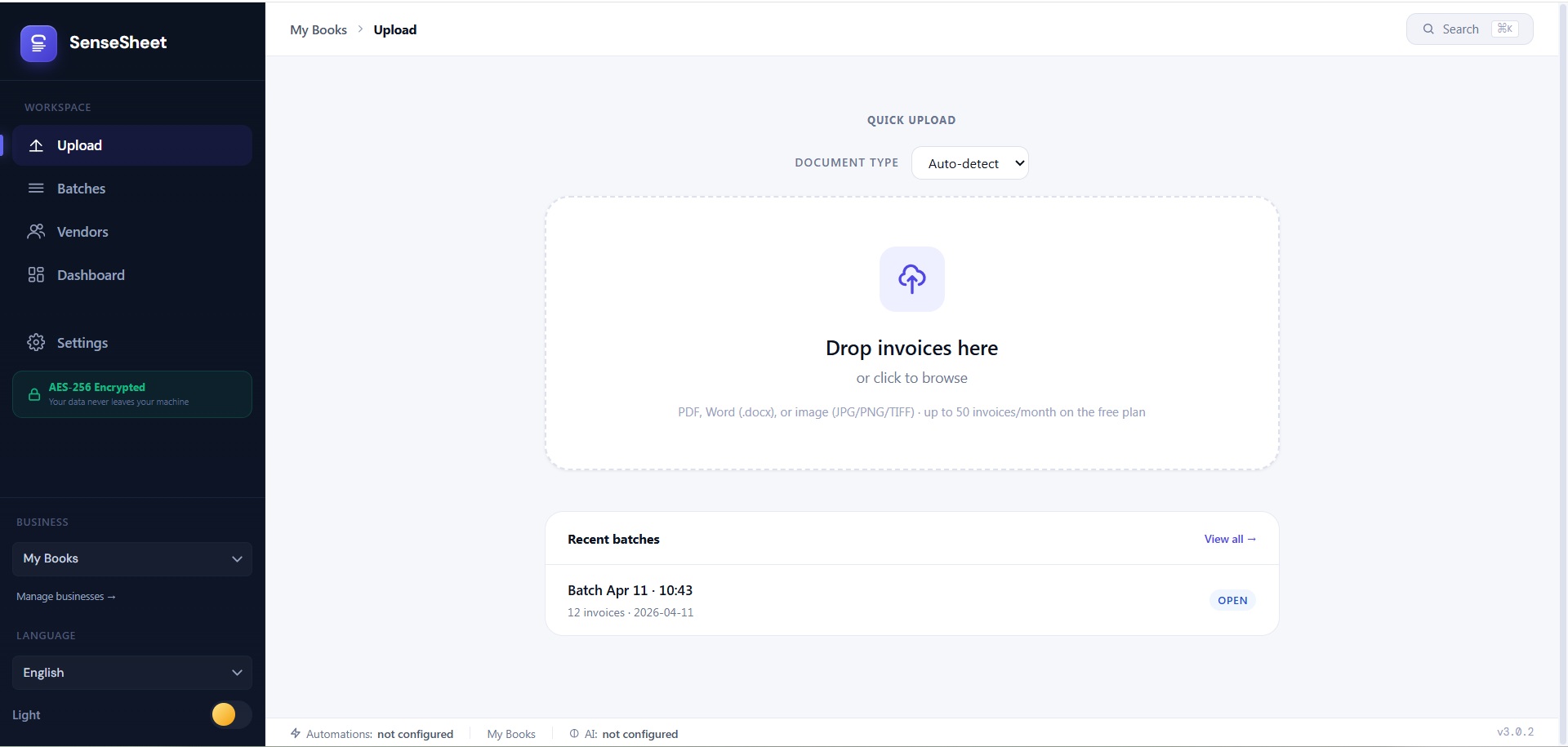
JuSenseSheet upload page

Drop invoices and get instant extraction

Upload interface with batch processing

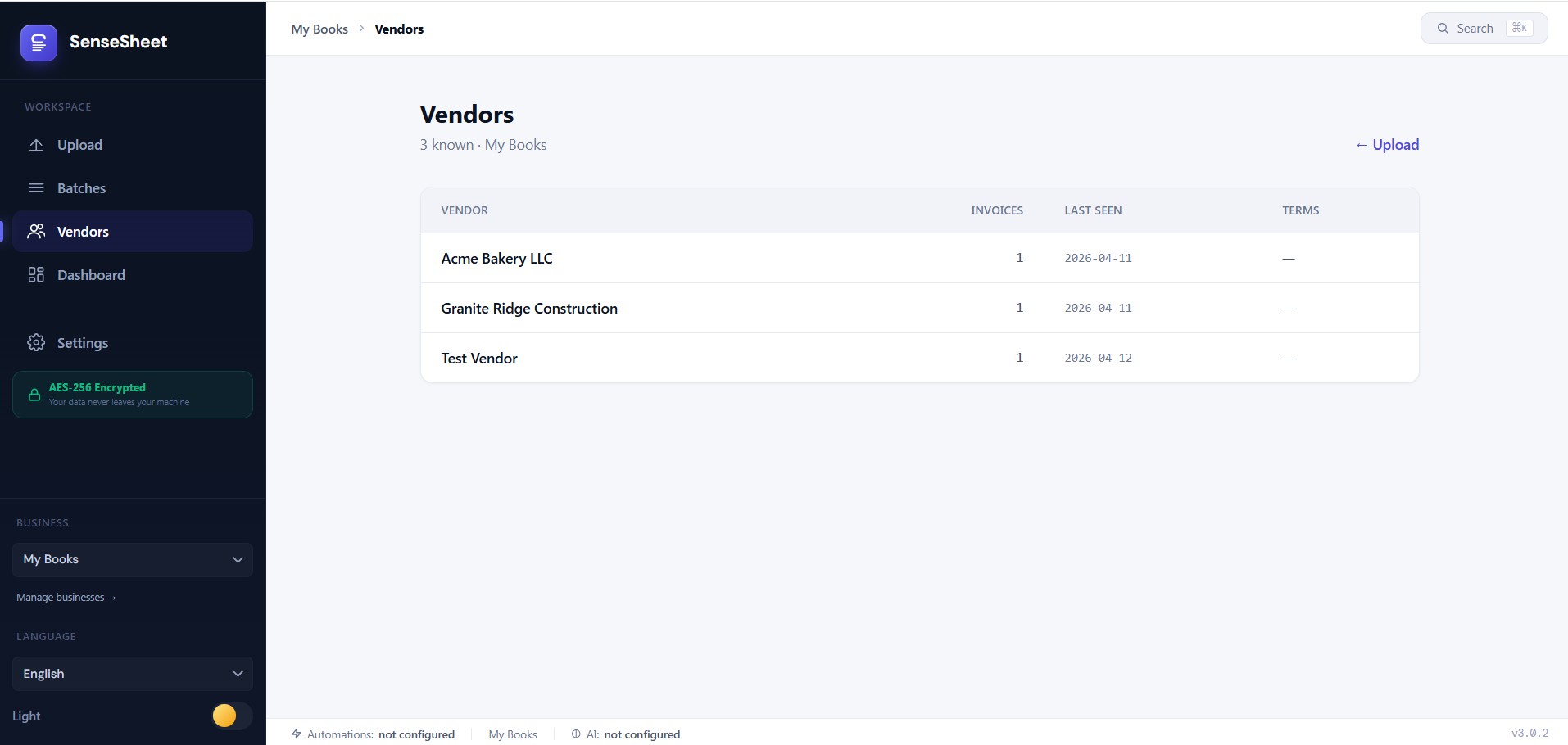
JuSenseSheet vendor memory

Vendor memory learns your patterns

Auto-fill for repeat vendors saves hours weekly

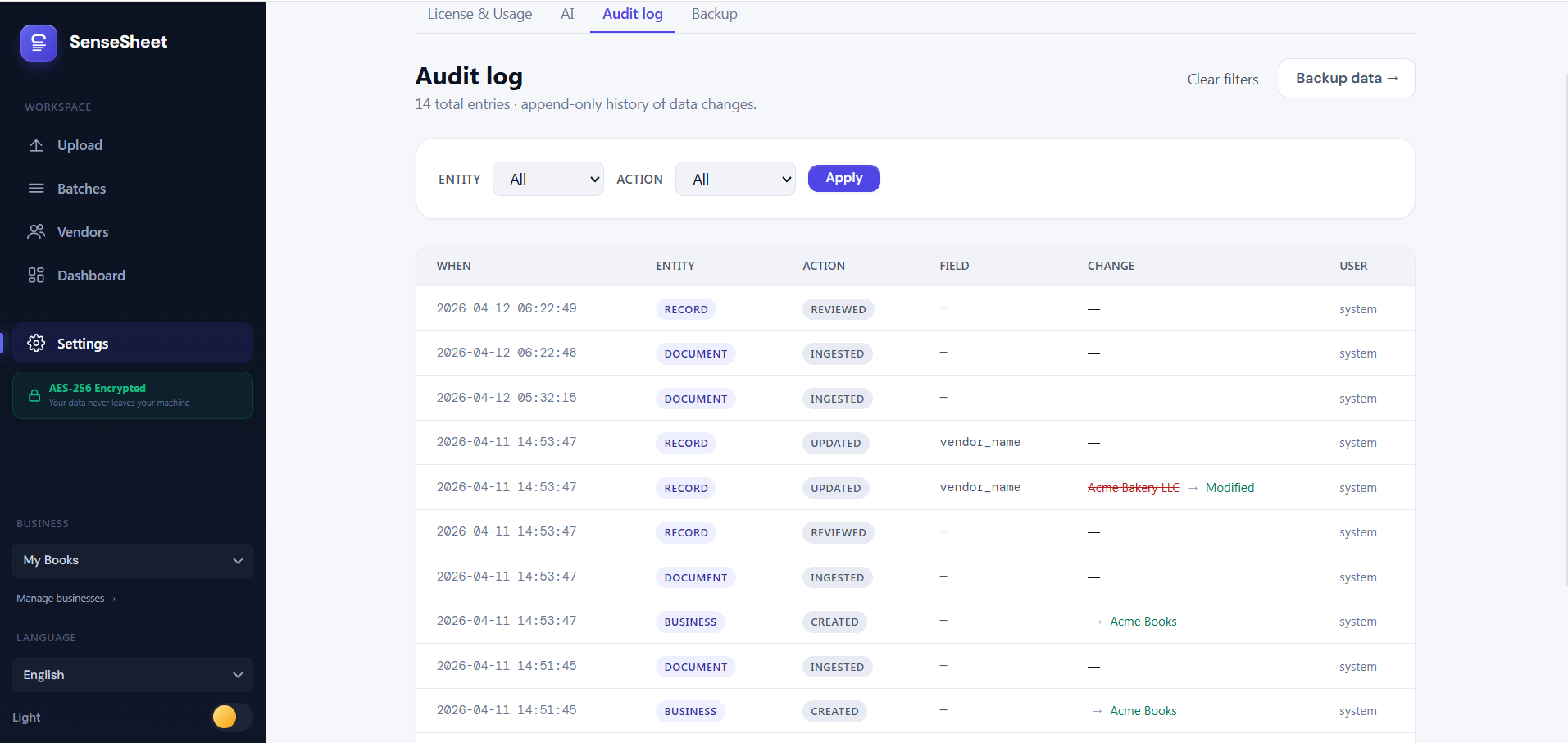
JuSenseSheet audit log

Complete audit trail of every change

Every edit timestamped and logged locally

Pricing

Simple, honest pricing

Start free. Upgrade when you need more.

Free

$0 /forever

Perfect for solo bookkeepers getting started.

  • 50 invoices/month
  • All 5 export formats
  • Vendor memory
  • AES-256 encryption
  • Multi-business support
  • BYOK AI fallback
Install Free
Best Value

Pro

$39 one-time

For bookkeepers managing more clients.

  • Everything in Free
  • Unlimited invoices/month
  • Offline license key (HMAC)
  • All v3.x updates included
  • Priority email support
Buy Pro — $39

After payment, email us your PayPal email at support@jupitersense.com to receive your license key within 24 hours.

One-time purchase. No subscription.

Install JuSenseSheet Free

Opens instantly in your browser — no download, no install wizard

Launch in Browser

Adds JuSenseSheet to your desktop and Start Menu — works offline, no browser tab needed.

How it works

  • 1 Click Launch JuSenseSheet above — opens the app in your browser
  • 2 Your browser shows "Install JuSenseSheet?" — click Install
  • 3 JuSenseSheet icon appears on your desktop and taskbar — done
  • 4 Works offline — your data is encrypted and stays on your device
Works on Chrome, Edge, Brave Windows, macOS, Linux No account required

By using JuSenseSheet, you agree to our Terms of Service and Privacy Policy. Free plan includes 50 invoices/month — no credit card required.
Enterprise? Contact our team for custom solutions.